

Most event florists running spreadsheets for wedding flower orders will tell you the same thing: it works, until it doesn't.
The spreadsheet isn't the problem. Spreadsheets are genuinely useful tools. The problem is using a spreadsheet as the entire order management system for complex, multi-event, multi-variety flower orders - and expecting it to hold together under real-world pressure.
The cost isn't usually one catastrophic failure. It's accumulated friction: time spent re-entering data, hours lost chasing confirmations, quiet errors that don't surface until delivery day.
How Florists End Up Running Everything Through Spreadsheets
It usually starts reasonably. You have one wedding. You build a tab for the stem count. It works fine.
Then you get a second regular client. You duplicate the tab. Then a third. Then you're managing five events in a month, each in a different tab, with a separate sheet for "orders sent this week" and another for "what I still need to confirm."
At some point the spreadsheet becomes less of a planning tool and more of a monument to everything you're currently trying to keep in your head.
No one sets out to build a chaotic system. It evolves gradually, and each addition makes sense at the time. The problem is that spreadsheets were built to calculate and store data - not to manage workflows, track statuses, or facilitate communication with suppliers.
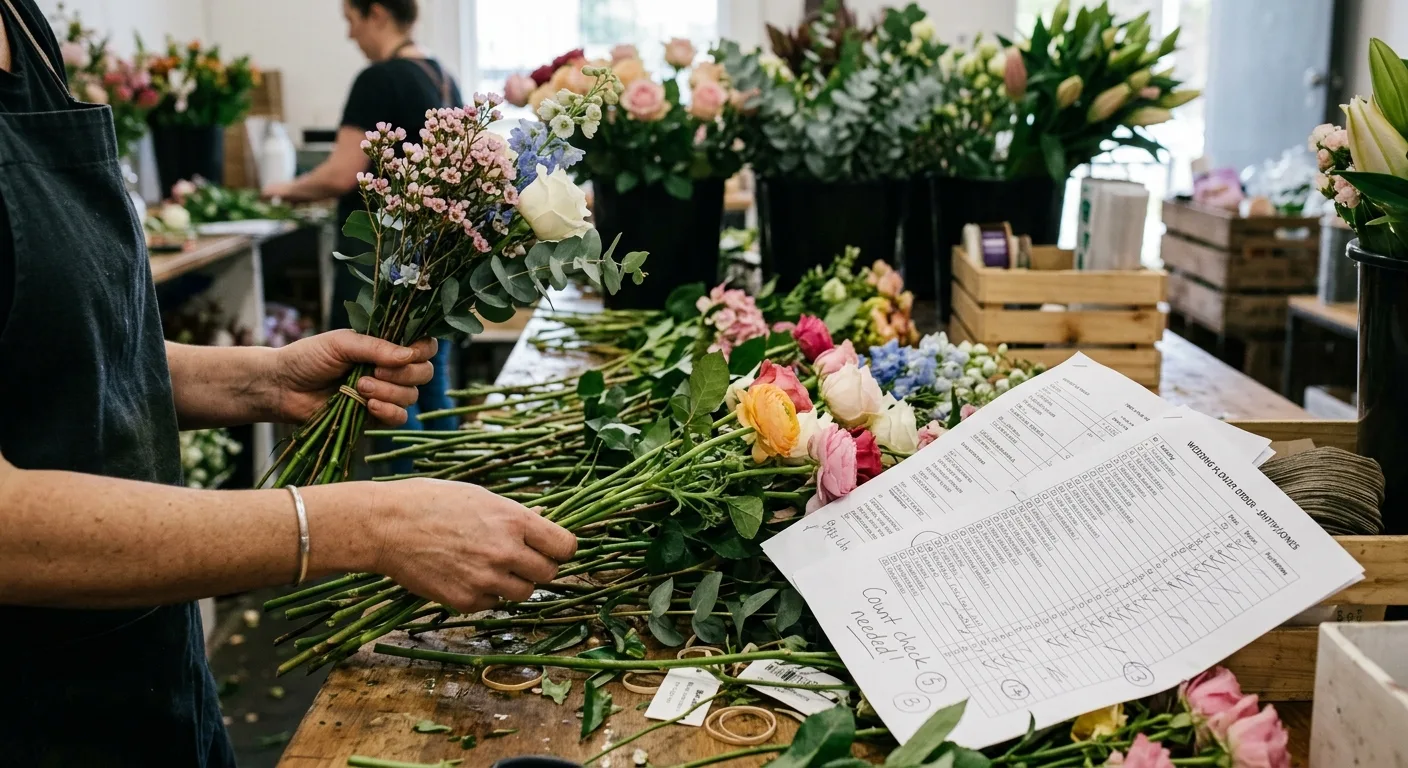
What the Broken State Actually Looks Like
Here's a realistic picture of how a florist managing wedding flower orders via spreadsheet spends their week:
Monday: Opens the master sheet. Realises the totals tab is pulling from last week's event columns and hasn't been updated. Fixes formulas. Updates quantities for this week's two events.
Tuesday: Emails the wholesaler with order details - copied manually from the spreadsheet into an email. Realises mid-email that the stem count for the ceremony arch doesn't include the additional stems added after the last client call. Goes back to the spreadsheet. Updates. Re-copies.
Wednesday: Wholesaler replies saying they're short on one variety. The florist checks the spreadsheet to see how many stems of that variety are allocated to which arrangements - this requires manually scanning several rows across two event tabs. Takes 20 minutes.
Thursday: A second client requests a small change. The florist updates the stem count for that event. Forgets to update the totals tab. The discrepancy won't surface until the order arrives short.
Friday: Delivery arrives. One variety is short. No one can agree on what was confirmed because the "confirmation" was a reply-to-email that referenced quantities from an earlier version of the spreadsheet.
This isn't a worst-case scenario. It's a normal week for a florist running three or more events out of a spreadsheet.
Why Spreadsheets Fail at Scale
The version control problem
A spreadsheet is a static document. The moment you email it, copy a number from it, or open a second tab, you have created the possibility of two versions. Most florists running multiple events have three or four "versions" of the same order floating across documents, emails, and memory.
When something goes wrong, the question "what did we actually order?" becomes genuinely difficult to answer.
Spreadsheets don't track status
You can enter a number in a spreadsheet cell. You cannot enter the status of an order line. "Sent," "received," "confirmed," "substituted," "fulfilled" - none of these states live naturally in a spreadsheet. Most florists manage status through memory, email flags, and verbal notes.
Which means status is invisible to anyone except the person who last checked.
Manual aggregation compounds errors
If you have four events in a week and need to know the total stems of garden roses required across all of them - that calculation is on you. Whether you sum a column correctly depends on whether the column was built correctly, whether it includes the right rows, and whether it's been updated since the last client change.
That's three opportunities for a number to be wrong before it even reaches your supplier.
No supplier interface
The spreadsheet captures your planning. Getting that planning to your supplier still requires a separate step: copying rows into an email, reading out quantities over the phone, or screenshotting a tab and sending it on WhatsApp.
Each translation introduces the opportunity for a number to change. Each channel makes tracking the conversation harder.
The Real Cost of "Free"
Spreadsheets are free. Google Sheets is free. The time florists spend managing, correcting, and cross-referencing those spreadsheets is not.
A conservative estimate: a florist managing six events a month, spending two to three hours per event on order admin - re-entry, chasing confirmations, resolving discrepancies - is spending 15+ hours a month on work that a better process would reduce significantly.
That's time that could go to design work, client relationships, or simply not working on a Sunday.
The calculation isn't "spreadsheet vs. a monthly subscription." It's "current admin hours vs. a system designed for this workflow."
What a Better System Looks Like
The core requirement isn't sophisticated software. It's a workflow where:
- Stem counts live at the event level and aggregate automatically
- Order status is visible without opening an email thread
- Supplier orders flow directly from the planning data - not from manual re-entry
- Confirmations are captured against specific order lines
- A change to a stem count updates the order without requiring a separate edit
This is the difference between a data entry tool (a spreadsheet) and a workflow tool (a system built for how floristry ordering actually works).
Practical Steps to Move Beyond Spreadsheet Dependency
Step 1: Audit where your spreadsheet is actually failing you
Is it version control? Aggregation errors? Order communication? Status tracking? Knowing which problem is most expensive tells you what to fix first. If errors in stem counts are the biggest issue, stem count errors in event floristry covers that specifically.
Step 2: Separate planning from communication
Your stem count and your supplier order are two different documents with two different purposes. Don't mix them in the same tab.
Step 3: Build a standard order format your supplier expects
Consistent, line-by-line orders reduce the back-and-forth that burns time. Even if you keep using a spreadsheet in the short term, standardising the output improves the downstream process.
Step 4: Create a confirmation record separate from your email inbox
Whether that's a notes column in the spreadsheet or a separate document - the confirmation for each order line should live somewhere you can find it immediately, not buried in a thread. For a full treatment of what confirmation should actually include, see what good supplier confirmation looks like in event floristry.
Step 5: Track status explicitly
Build a status column: sent / confirmed / substituted / fulfilled. Make it part of the workflow, not an afterthought. If you can't see the status of every line in under 30 seconds, the system isn't working.
Where Technology Fits
The reason platforms like StemCounts exist isn't to replace florist expertise - it's to handle the parts of order management that spreadsheets handle badly.
Event-level stem tracking, automatic aggregation across a week's events, supplier order workflows, and line-by-line confirmation - these are functions a spreadsheet technically can do, but only if someone builds and maintains the right formulas, tabs, and conventions. Most florists don't have time for that, and they shouldn't need to.
A system built around the floristry order lifecycle handles these things as a baseline. The florist's job is design and client relationships - not spreadsheet maintenance.
Conclusion
Spreadsheets are a tool, not a system. For small-scale retail floristry they're adequate. For event floristry at volume, they introduce friction at almost every stage of the order cycle.
The florists who've moved past spreadsheet dependency didn't do it because they found a better piece of software. They did it because they got tired of spending Sunday afternoons reconciling stem counts and chasing confirmation emails - and realised the problem wasn't them.
It was the process.
See it in action
Building orders from a structured flower library instead of spreadsheet rows.
Spend your time on flowers, not spreadsheets.
Plan the week's flowers, for the shop or for a wedding, and send them to your wholesaler as one order or event by event.