
Stem count errors are one of the most quietly expensive problems in event floristry. Not dramatic enough to make you stop and fix the system - but consistent enough that, across a full wedding season, they erode margin in ways that are hard to pin down after the fact.
You quoted based on one number. You ordered based on another. Something got lost between the design brief, the spreadsheet, and the supplier email. The flowers arrive short, a substitution wasn't flagged, and you're either scrambling or eating the cost.
This isn't a skill problem. It's a process problem.
Why Stem Count Errors Are So Common in Event Floristry
Retail floristry is relatively forgiving. You order slightly more than you need, you sell what you have, and short orders are restocked mid-week. Event floristry doesn't work that way.
A wedding has fixed quantities. Every arrangement in the brief ties back to a specific stem count - by variety, by colour, by grade. And that count flows from your design work all the way through to what the wholesaler pulls and packs.
The problem is that most florists are managing several events simultaneously, each at different stages of the planning cycle. Design briefs are in one document. Stem counts are in another. The supplier order is in an email. If any one of these steps introduces a rounding error, a missed line, or a version mismatch - it compounds downstream.
A single variety short by ten stems can change an arrangement. Change enough arrangements and you're having a difficult conversation with a client the night before their wedding.
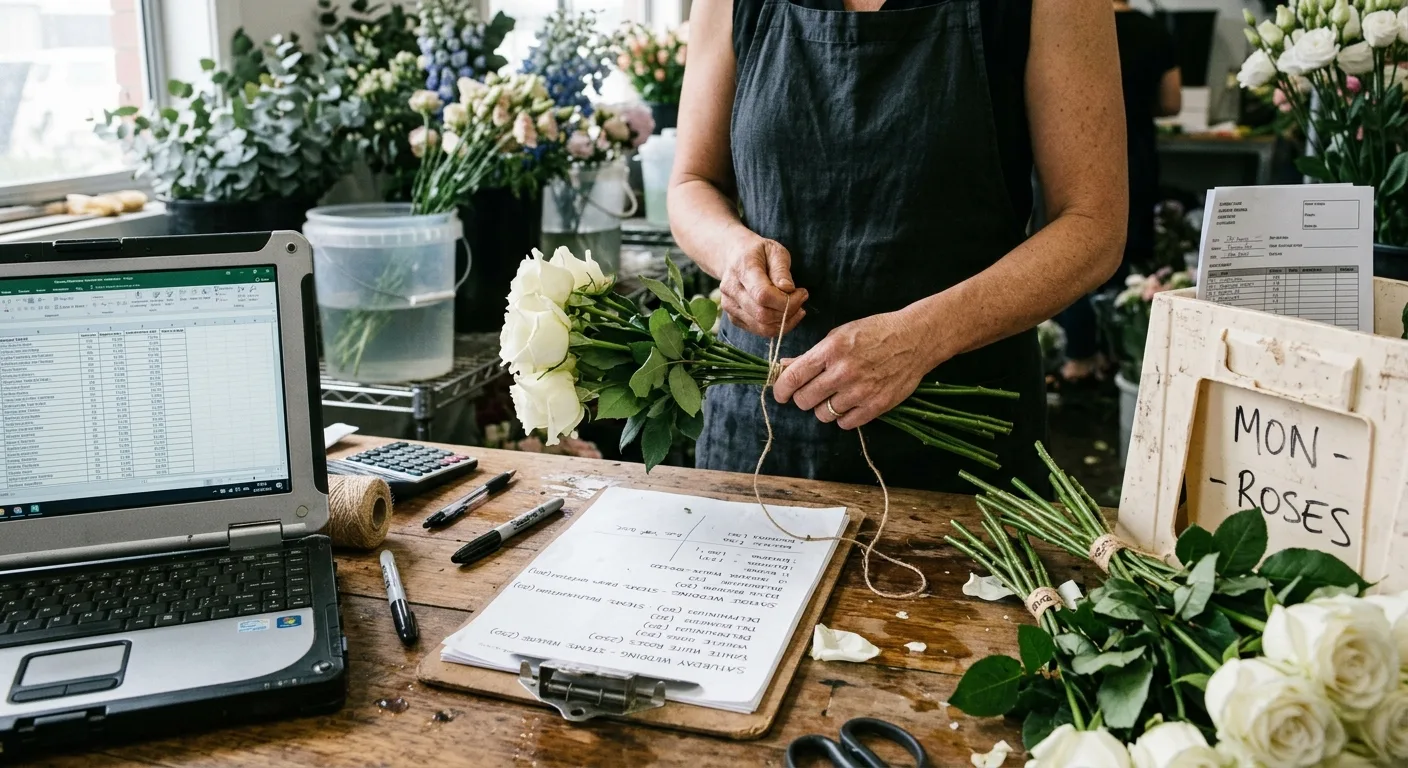
The Typical Workflow - and Where It Breaks
Here's how most event florists currently manage stem counts for a large order:
- Design brief created in a document or template
- Stem count calculated by hand or in a spreadsheet, pulling quantities per arrangement type
- Totals aggregated manually - often summing columns across multiple tabs or event sheets
- Order written up - either copied into an email or typed into a message
- Supplier contacted via email, phone, or WhatsApp
- Confirmation received - usually a reply-to-email or a verbal "yep, all good"
At each step there is an opportunity for a number to change, a line to be missed, or an assumption to be made without being checked.
The aggregation step is particularly risky. Adding up stems across 15 arrangement types, across multiple events in the same week, manually - that's a lot of arithmetic for a Sunday afternoon between client calls.
Why This Fails at Scale
When you're running two or three events a month, the margin for error is manageable. You catch mistakes before they matter. You have enough mental bandwidth to double-check.
When you're running eight or ten events in a month - as many florists do through spring and early summer - the margin disappears. You are copying numbers from one place to another under time pressure, trusting previous versions of documents, and relying on suppliers to flag problems they may not even notice.
At that volume, the errors aren't exceptional. They become a background tax on every event.
Common failure modes at scale:
- Quantities calculated for one arrangement type get applied to another (a copy-paste error in a spreadsheet)
- A stem count update after a client change doesn't flow through to the supplier order
- Two events in the same week share a variety - and it's ordered correctly for one but not both
- A supplier confirms receipt of the order but doesn't flag a line that's unavailable until delivery day
- A substitution is mentioned in conversation but never captured in writing - no one can agree later on what was agreed
None of these are unusual. Most experienced event florists have a story about each of them.
A Better Approach to Stem Count Accuracy
The fix isn't checking your maths more carefully. It's building a workflow where errors have fewer places to hide.
Keep your order data in one place
The design brief, the stem count, and the supplier order should all live in the same place - or at minimum, be directly linked so that a change in one propagates to the others.
If your stem count lives in a separate spreadsheet from your design brief, you have two records that can diverge. And under time pressure, they will.
Lock quantities at the event level before ordering
Before a single stem is ordered, the count for every variety in that event should be finalised and locked. Not "mostly done." Not "I'll adjust after I hear back from the supplier."
Client-driven changes after the order is placed are unavoidable. But ordering from an unfinished stem count is a choice, and it's one that costs time and money.
Aggregate across your full week, not per event
If you have three events in a given week, you should know the total stems required for each variety across all three before you place any orders. This has two benefits:
- It gives you a complete picture of what you're ordering, reducing the risk of duplicates or gaps
- It gives you negotiating leverage with your supplier - you're ordering in volume, not in fragments
Build substitution rules before you order, not after
Agree with your supplier in advance which varieties can substitute for which, at what grade equivalence, and under what conditions. This conversation should happen before the order is placed - not when the driver arrives at 6am. For a complete framework on handling this, see managing flower substitutions on event orders.
Practical Steps to Reduce Stem Count Errors
Step 1: Finalise the design brief before touching the stem count
Changes to the brief after the stem count is built create version drift. Lock the design first.
Step 2: Calculate stems from the brief, not from memory
Every stem count should be derived from documented arrangement specifications. If you're relying on experience to estimate, you're introducing variability.
Step 3: Aggregate weekly, not per event
Pull all events for the week into a single view before ordering. Spot duplicates, identify shared varieties, and plan a single consolidated order wherever possible. The mechanics of building a reliable weekly ordering rhythm are covered in weekly flower order planning for event florists.
Step 4: Send a line-item order, not a summary
Your supplier order should list every variety, quantity, colour, and grade as a separate line. A summary paragraph invites misreading.
Step 5: Get a line-by-line confirmation
A reply-all email saying "looks good" is not a confirmation. What you need is confirmation that each line has been checked against available stock. This is the step most florists skip, and it's where the most expensive surprises originate.
Step 6: Capture substitutions in writing at the time they're agreed
If a supplier says they'll swap ranunculus for something similar - that needs to be written down, by both parties, against that specific order line.
Where Structured Order Management Fits
The steps above are achievable with discipline and good habits. But discipline degrades under pressure, and habits break when you're managing eight events simultaneously.
The real value of a structured order management system - one where events, stem counts, and supplier orders all live in the same workflow - is that it removes the steps where errors can hide.
When stem counts are calculated and held at the event level, and when those counts roll up automatically into supplier orders, the manual aggregation step disappears. When a supplier confirmation is captured against specific order lines rather than an email thread, the "did they actually confirm that?" question has a clear answer.
StemCounts is built around exactly this workflow - event-based order planning, weekly stem aggregation, and supplier confirmation at the line level. Not because it's clever software, but because that's what the process actually requires.
Conclusion
Stem count errors in event floristry are not random bad luck. They're the predictable output of a process that asks people to manually transfer numbers between disconnected documents, under time pressure, repeatedly.
The florists who eliminate this problem aren't more careful. They're working from a tighter system - one where the stem count, the order, and the confirmation all live in the same place and any change is visible immediately.
That's not a difficult standard to reach. It just requires treating order management as a workflow, not a series of one-off tasks.
Spend your time on flowers, not spreadsheets.
Plan the week's flowers, for the shop or for a wedding, and send them to your wholesaler as one order or event by event.